

Frequently Asked Questions
What would you like to know?
A list of the most frequently asked questions
Accessibility and visiting
What are the directions to Parktheater Eindhoven by car?
What is the directions to Parktheater Eindhoven by public transportation?
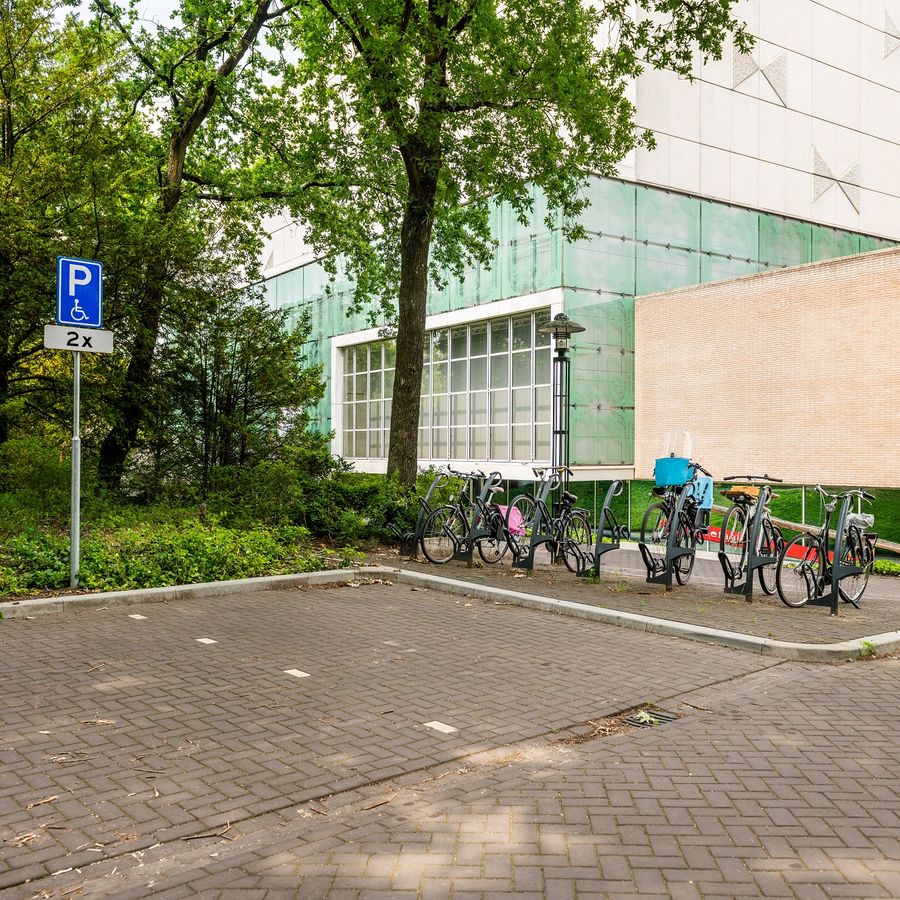
Where can I park my car?
There are several parking facilities near the Parktheater.
Read more about parking here
Can I hang up my coat at the checkroom?
Yes, we will guard your coat free of charge until the end of the performance. The management is not liable for theft or loss.
Where can I go for hearing amplification equipment?
Parktheater Eindhoven has a service/ticket sales desk at the main entrance. There you can go for provision of hearing amplification equipment.
What are the food and drink options?
You can dine in advance at restaurant BIJ13, located in the Parktheater. Before curtain-up, in the intervals and afterwards you can get drinks at the bars in the different foyers. Theatercafé also has a bar with drinks and small snacks. Read more about food and drink
Ticket sales
How can I buy theater tickets?
Theater tickets can be purchased through the website, by phone or at the box office.
More information about ticket sales
What is an e-ticket?
E-tickets are admission tickets sent to you by e-mail. You can print these out at home or show them on your cell phone.
Tickets for the performances are now also available in the Ticketmatic app. You install the Ticketmatic App on your cell phone via the Appstore or the Playstore.
Can I pay with a Podium Gift Card or a voucher?
Parktheater accepts the following coupons/gift cards:
- Voucher Parktheater Eindhoven*
- Parktheater Performance Gift Card
- Podium Gift Card*
- Art and Culture Card / NR1 Gift*
- Iris vouchers / VVV vouchers / VVV gift card* / **
You can pay at the box office as well as online. For tickets with * you can enter the code on the payment page. Is this not possible (maybe you have an older version of the card in question) or do you have a Parktheater gift card? Then you can fill out this form after purchasing the tickets and send it together with the receipt(s) to the Ticket Sales Department. The amount will then be deposited into your account as soon as possible.
** Since July 1, 2020, the Prevention of Money Laundering and Financing of Terrorism Act (Wwft) has come into effect. This means that from July 1 you can use a maximum of € 50 per transaction of your VVV gift card. You can pay the remainder via iDeal | Wero.
Can I cancel my tickets?
Unable to attend? Then you can exchange your tickets for another performance (free of charge) or a voucher (€ 2,50 cancellation fee). Please contact us for the possibilities.
What to do if I lose my tickets?
You may have lost or mislaid your tickets. In that case, please contact us.
The performance is sold out. What now?
If performances are sold out, you can be put on the waiting list. When tickets become available, we will contact you.
In the auditorium
Is it allowed to make image and/or sound recordings?
It is not allowed to make image and/or sound recordings.
Is it allowed to bring refreshments into the auditorium?
You are not allowed to bring refreshments into the theater.
What should I do if I am late?
Upon arrival, please report to the staff member in the front hall. In consultation with the artist/company, latecomers may enter through the rear entrance.
Is there an intermission during the performance?
Not every performance has an intermission. Whether there is an intermission is determined by the company. The intermission time and end time, if known, are listed on the performance page.
Where can I hang up my coat?
There is a free checkroom in the front hall. This is guarded until after the performance.
And more
I want to give a party. Is the Parktheater suitable as a venue?
For events, please contact us. We are happy to make you a customized offer. Read more about events/events
Are guided tours available?
There are guided tours on various Saturdays. It is also possible to af a guided tour for a fee. Read more about guided tours
My question is not listed here.
Please contact us using the form below or send an email to parktheater
Livestream
What is a livestream?
The performance at Parktheater is filmed with multiple cameras and the recording is broadcast online and live. This means that you can attend the performance at home, in your own living room.
How do I buy tickets for a live stream?
Tickets for streams can be purchased via the website parktheater.nl/en in the same way as tickets for regular performances. After payment you will receive a confirmation email with a unique access link for the stream.
What do I need to watch a livestream?
- You will need a device to watch the stream, we recommend a tablet, laptop or desktop PC. Alternatively, you can watch on your smartphone. Make sure the device has an internet browser with current update, such as Google Chrome, Mozilla Firefox, Microsoft Edge or Apple Safari.
- You need a good internet connection, via cable, wifi or 4G.
- You need the unique access link. You will receive this immediately after payment of your livestream ticket in the order confirmation email. Or you will receive it on the day of the livestream.
When will I receive the link to watch the livestream?
Immediately after payment of your live stream tickets, you will receive an order confirmation by e-mail. This contains the unique access link to the stream.
Did you not receive an e-mail? Check the spam or junk mail folder of your mailbox. Did you lose the e-mail by accident? Please contact parktheater
From when can I watch the livestream?
The starting time of the stream is mentioned in your confirmation email.
We recommend to open the page with the unique access link some time in advance, so you have enough time to check if everything works properly.
Can I watch the online stream at a later time?
No, you can currently view the livestreams only at the time of broadcast.
Can I intermission the live stream?
Yes, you can. You can intermission the livestream and then resume it later.
Can I watch with other people?
You can use the unique access link on one device at a time. You can decide how many people you watch with.
I cannot find the unique access link. What can I do?
The unique link will be emailed to the address you provided immediately after purchasing your tickets.
Please check your spam folder in case the email is in there.
If you cannot find the email, please contact us via WhatsApp (040-211 11 22).
My link to the stream does not work. What can I do?
Did you click on the unique access link from your confirmation email? The code will be filled in automatically.
Does this not work? Go to the streaming website and enter the access code manually. Make sure you haven't made a typing error.
If it still does not work, please contact us via WhatsApp
Is help available during the stream?
Yes, for questions and problems we can be reached via WhatsApp (040-211 11 22).
I have no image or the stream seems to have stopped. What can I do?
In most cases it helps to refresh the web page. You can do this by pressing F5 (Windows) or Command/⌘+ R (Mac) on the keyboard. Often the browser also has an icon (round arrow) that you can use to refresh.
Next, click the "start-stream" button again and then the play button.
If this does not work, check the following:
- Are you using the correct link to access the stream?
- Check if your internet connection is active
- Is your browser recently updated with the latest updates?
- Are cookies enabled in your browser?
- Is the battery of the device sufficiently charged?
- What often helps is to try a different browser or a completely different device. We recommend Google Chrome (but Mozilla Firefox, Microsoft Edge and Apple Safari are also supported).
Is the answer not here? Then contact us via WhatsApp (040-2 11 11 22).
I have image, but no sound. What should I do?
Check if the volume of your device is on. Also check the volume of the video player itself by moving your mouse to the bottom of the stream until the volume icon appears.
Are you casting (Chromecast/ Apple TV)? Then check both the volume on the TV and the device from which the stream is being sent.
How can I watch the stream on my TV (Chromecast/Apple Airplay)?
It is possible to transfer the live stream to your TV by using an HDMI cable between your laptop/computer and the TV. It is also possible to cast via Chromecast or Apple Airplay.
Cast via Chromecast
We recommend doing this from a laptop or desktop computer. Please note that Chromecasts only works from the Google Chrome browser. If you want to use a tablet or smartphone, please note that this is not an iPhone or iPad, but for example a Google Chromebook or another tablet with Google's Android/ChromeOS operating system. Having problems? Then check out this quick-start guide from Google.
Want to cast from an iPhone or iPad? Then cast via an Apple Airplay/Apple TV.
Cast via Apple Airplay/TV
This works from your iPhone, iPad or Macbook. We advise not to do this through the 'Synchronous playback', but to click on the Apple Airplay icon from within the video player. View the explanation from Apple here
Make sure your Apple TV is updated with the latest updates. More info from Apple
Having problems?
- Make sure the device you want to cast from (tablet, phone, laptop, desktop) is on the same WiFi network as your Chromecast and/or Apple TV.
- Refresh the page where the stream is showing in your browser, then restart your Chromecast and/or Apple TV and try again.
Is your question not listed?
Please contact us using the form below or send an email to parktheater.
In urgent cases, you can ask your question via WhatsApp (040- 2 11 11 22).